The Challenge
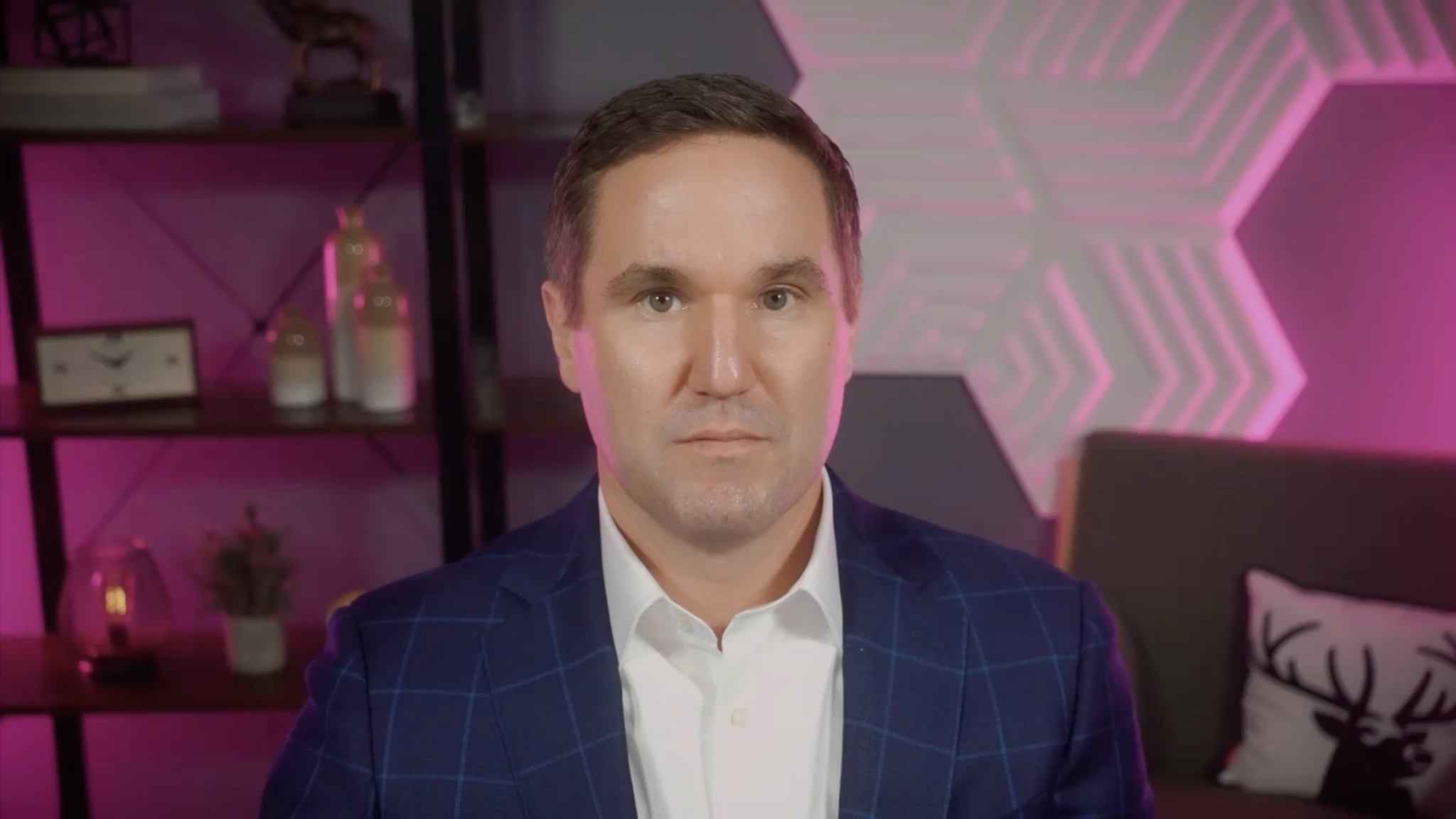
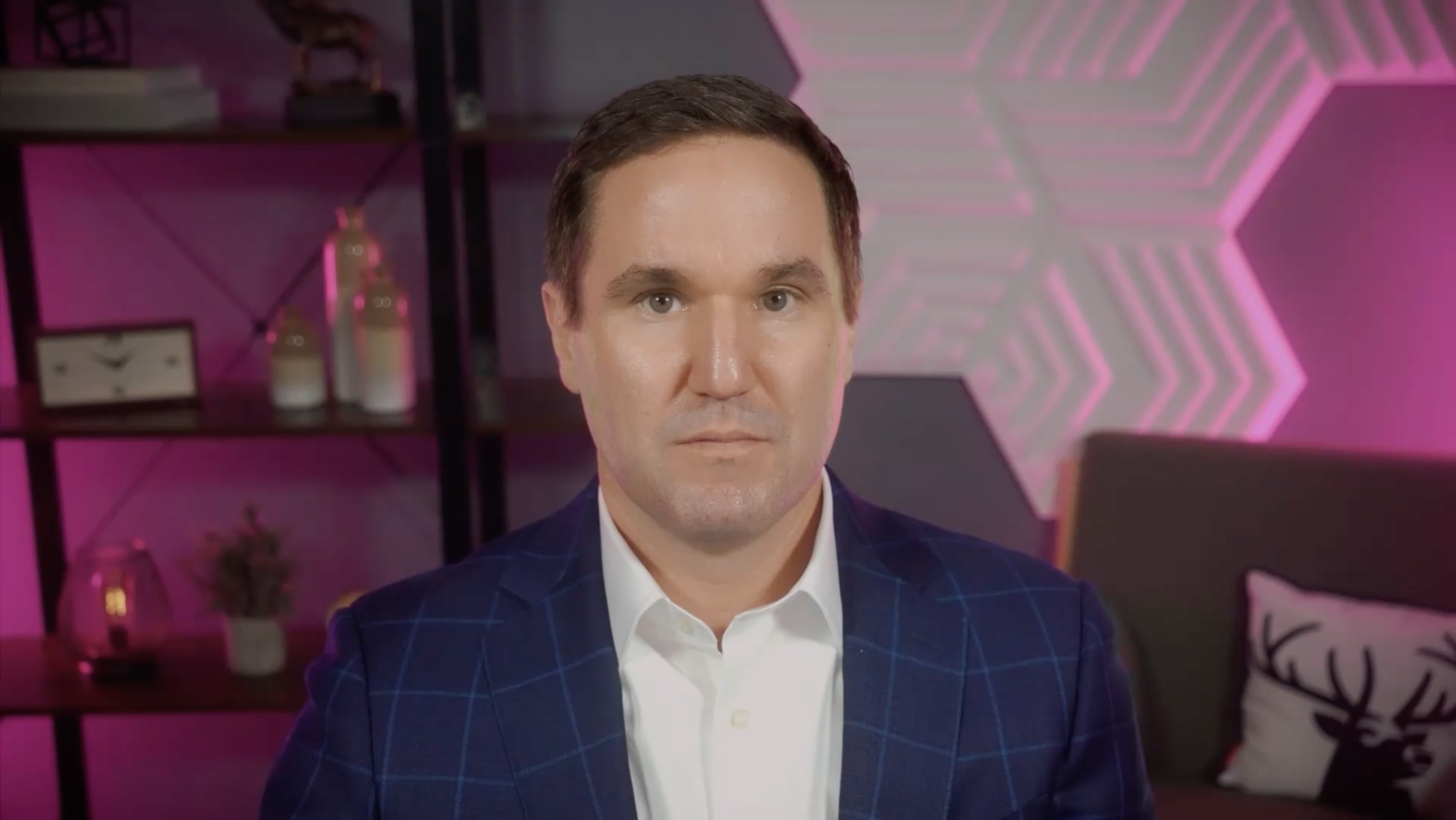
Our team received footage recorded by an internal production team at another Hartford location. Pink accent lighting intended for the background had created significant color spill across the talent’s face, hair, and jacket.
The footage would be used throughout a series covering multiple topics, with the work divided among three editors. Without a shared solution, each editor would have needed to independently troubleshoot the same footage, potentially producing inconsistent results across the series.
The Solution
A global color adjustment would have altered the intentional pink lighting throughout the set. Instead, I created targeted masks around the affected portions of the talent and used selective color correction to reduce the unwanted spill while preserving the intended environmental lighting.
Because the talent moved and turned his head throughout the footage, I added motion tracking so the corrections followed him naturally from frame to frame. Once I established a reliable approach, I saved the correction setup as a reusable Adobe Premiere Pro preset and shared it with the other editors producing videos from the same shoot.
01 / IsolateTarget only the affected areas
02 / TrackFollow natural head movement
03 / SharePackage the solution for the team
The Impact
The shared preset gave the team a consistent visual treatment across multiple videos while eliminating duplicated troubleshooting. Rather than requiring each editor to build a solution independently, the team could apply an established workflow and focus on their individual edits.
The result was more than a cleaner image. It was a scalable post-production solution that saved time, reduced frustration, and improved consistency across the entire series.